Time Attack Feature
By configuring a course, you can implement time attack and racing features in your world. This is compatible with not only UDrone but also VRC Drone.
Installation
Place Assets/UdonDrone/Prefabs/TimeAttack/TimeAttackManager.prefab only once in a world where the DroneManager prefab is placed.
Next, place Assets/UdonDrone/Prefabs/TimeAttack/TimeAttackTrack.prefab.
Configuring Time Attack Tracks
Place Assets/UdonDrone/Prefabs/TimeAttack/TimeAttackTrack.prefab in your scene. You'll configure the track using the Time Attack Track component on this prefab.
Place Gate or UDrone_Flag from Assets/UdonDrone/Prefabs/Gates/ to create a course. These are checkpoints that must be passed on the course.
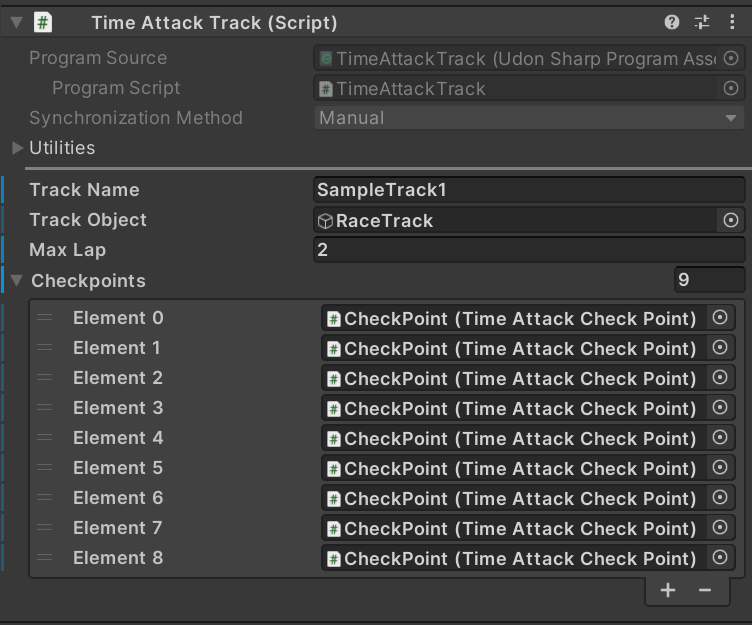
Once you've placed them, set them in the order you want them to be passed in the Checkpoints of TimeAttackTrack to form a course.
Finally, add the Time Attack Track to the Tracks of the Time Attack Manager component for it to function as a course.
Multiple Time Attack Tracks can be placed in a scene. Also, place checkpoint objects under the Track Obj.
You can set the track name to display with Track Name.
You can set the number of laps with Max Lap.
Track Obj is an object that toggles visibility when you switch tracks. Place checkpoint objects under this object.
Race System
This is a race system with simultaneous countdown and timing features. Currently it only supports UDrone timing.
Just place Assets/UdonDrone/Prefabs/RaceSystem/RaceSystem.prefab in a world with time attack configured, and it will function.
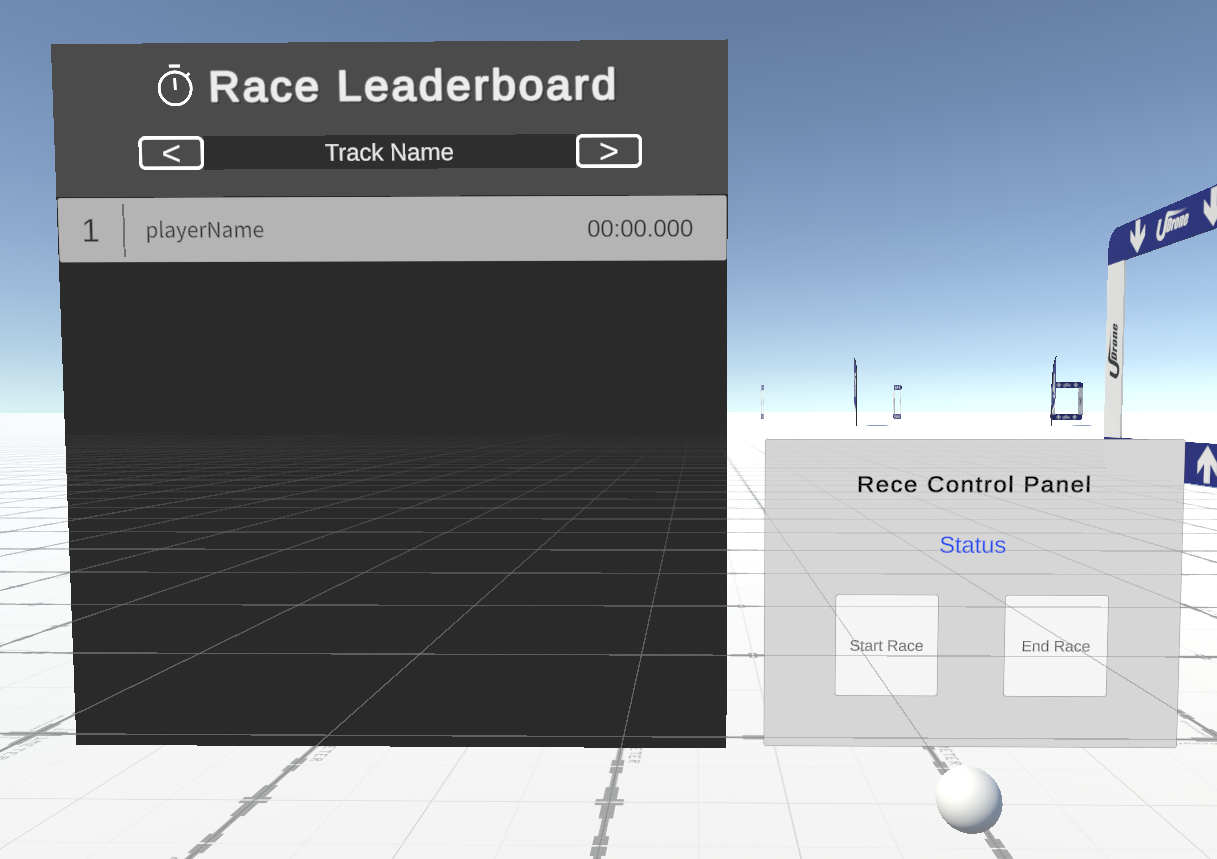
When you press Start Race on the control panel, a countdown synchronized for everyone will start after 3 seconds, and when you finish the specified course after the start, your time will be recorded. Note that even if you change the course on the Race Leaderboard, the local course display doesn't change, so race participants need to change courses individually.
Position Setter
This is the Assets/UdonDrone/Prefabs/RaceSystem/PositionSetter.prefab prefab.
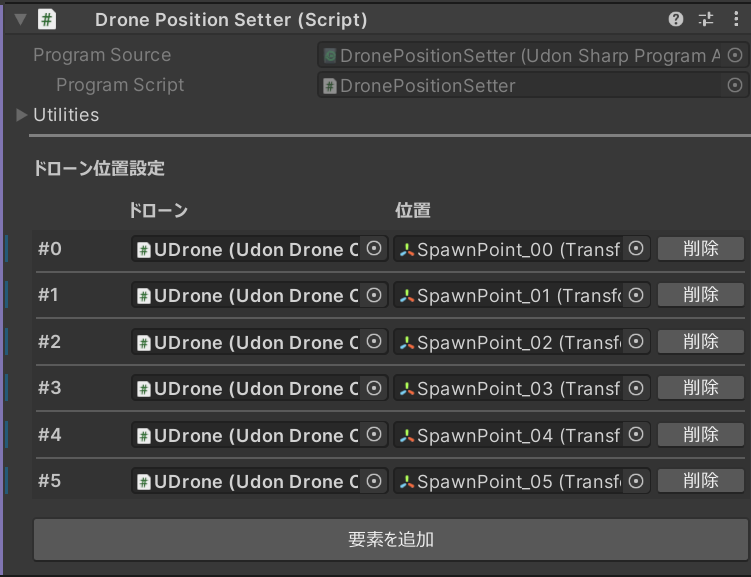
It adds a function to change the position of specified drones. It can be used to place drones at the race starting position.
Pressing the Set Drone Position button changes the drone's position.