Creating Drone Setting Presets
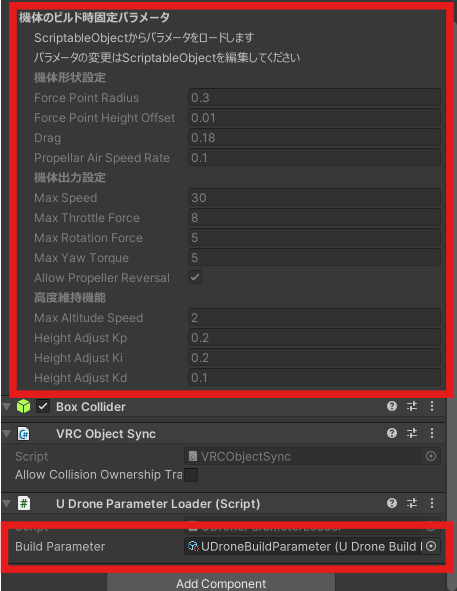
In the project view, you can create a preset asset for drone parameters by right-clicking and selecting Create > UDrone > UDroneBuildParameter.
When you set this preset in the UDroneParameterLoader component that is attached to the game object with UdonDroneCore, the drone's settings from the preset will be applied.
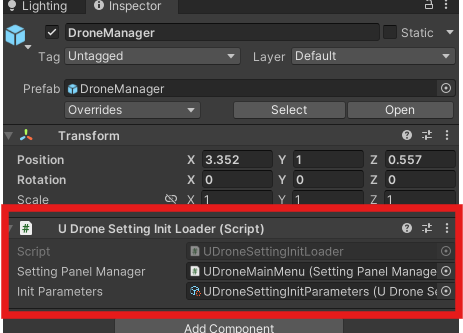
Also, if you want to set the initial values for parameters that can be controlled using the DroneSettingPanel, you can create a preset parameter in a similar way by right-clicking and selecting Create > UDrone > UDroneSettingInitParameters. Setting this to the UDroneSettingInitLoader of the DroneManager prefab allows you to easily change the initial values.