Drone Spectator Displays
Spectator displays are camera features that can show the view from the selected drone's camera or a view from behind the drone.
There are currently three types of spectator displays available.
DroneCamFPVViewer
A camera that displays the FPV view of the selected drone. You can switch drones locally. Due to synchronization issues, the camera may rotate violently at times.
DroneCamTPVViewer
A display that shows the selected drone in third-person view. Camera switching can be done locally.
SyncDroneCamFPVViewer
A camera that displays the FPV view of the selected drone, but unlike DroneCamViewer, drone switching is global. This helps reduce the issue of the camera moving violently due to synchronization.
You can place as many of these spectator displays in your scene as you want.
Displaying Camera Feed on Other Objects
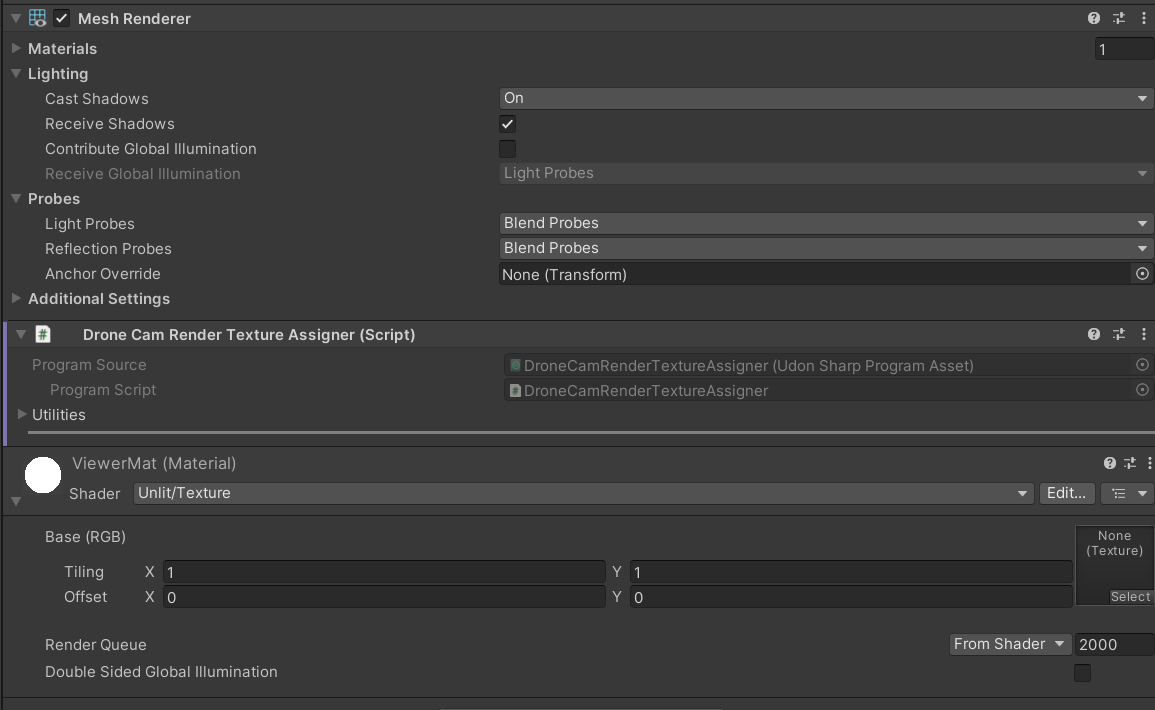
Viewer-type Udons have an item called Render Texture Assigners.
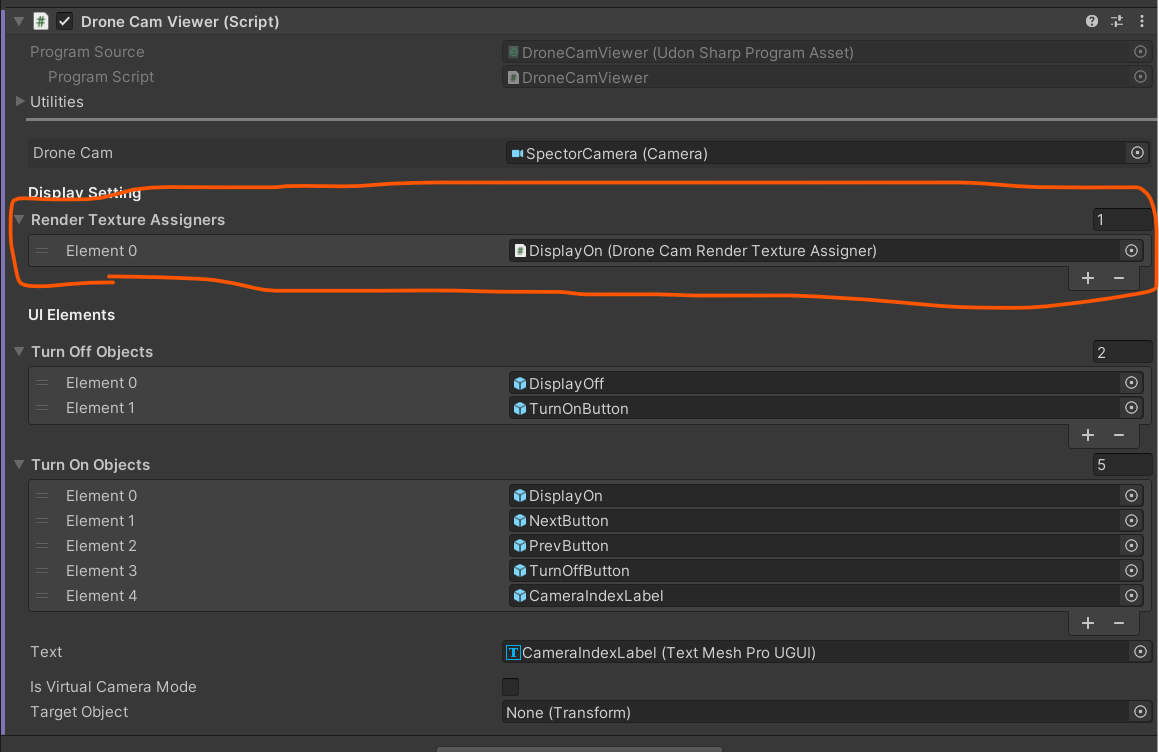
By attaching the DroneCamRenderTextureAssigner Udon to objects with a MeshRenderer and setting them here, you can pass the video texture to that mesh's material.